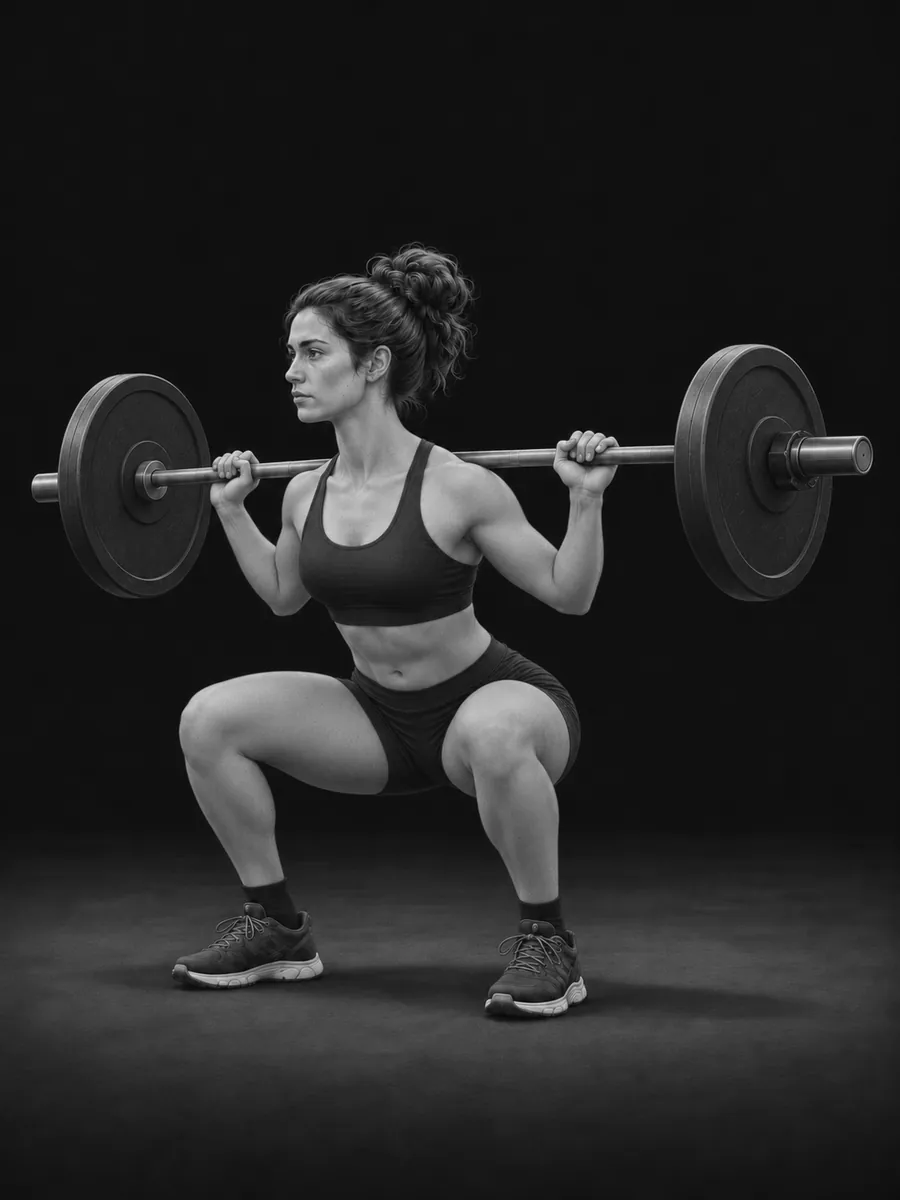
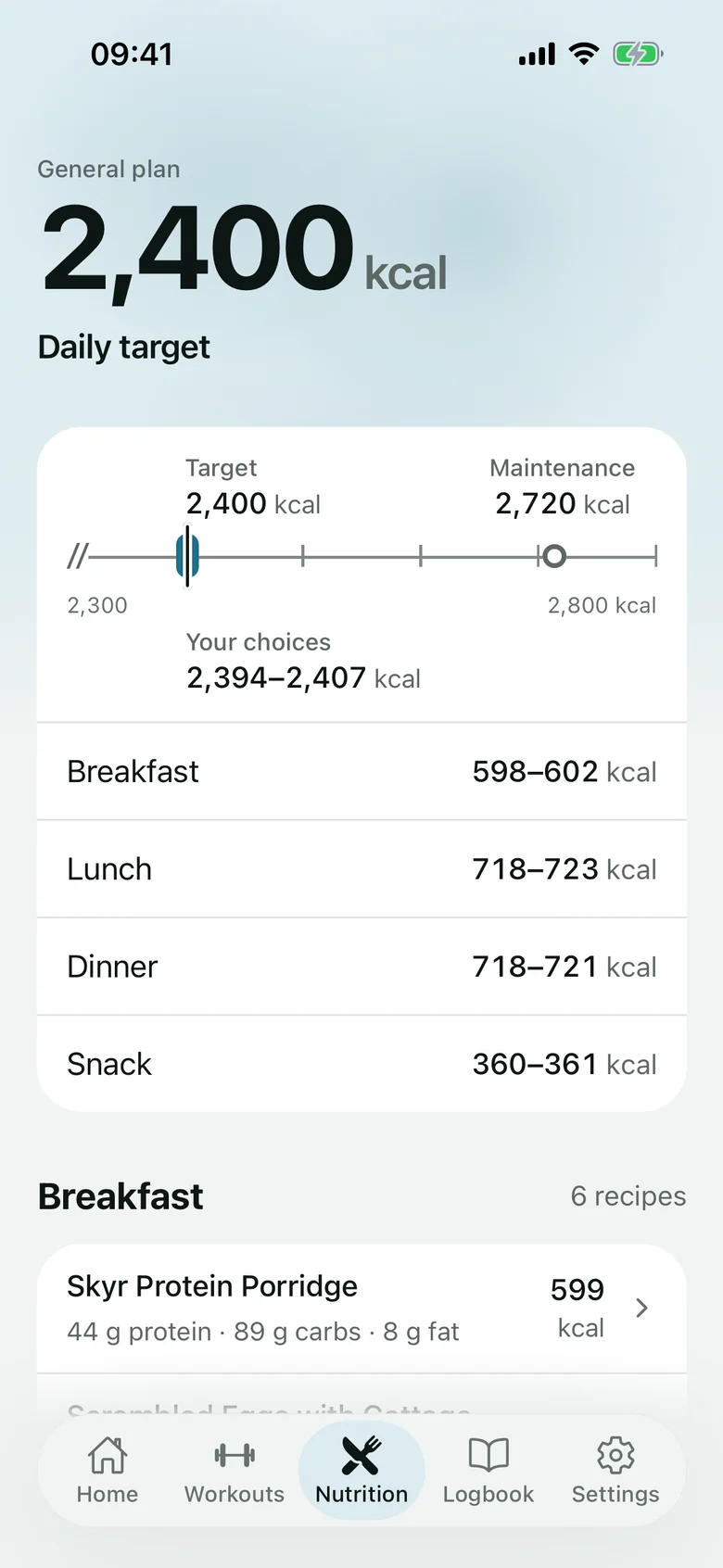
Take it to the gym.
Log sets, reps and weights in the app. Workouts and check-ins work offline and sync when you reconnect.
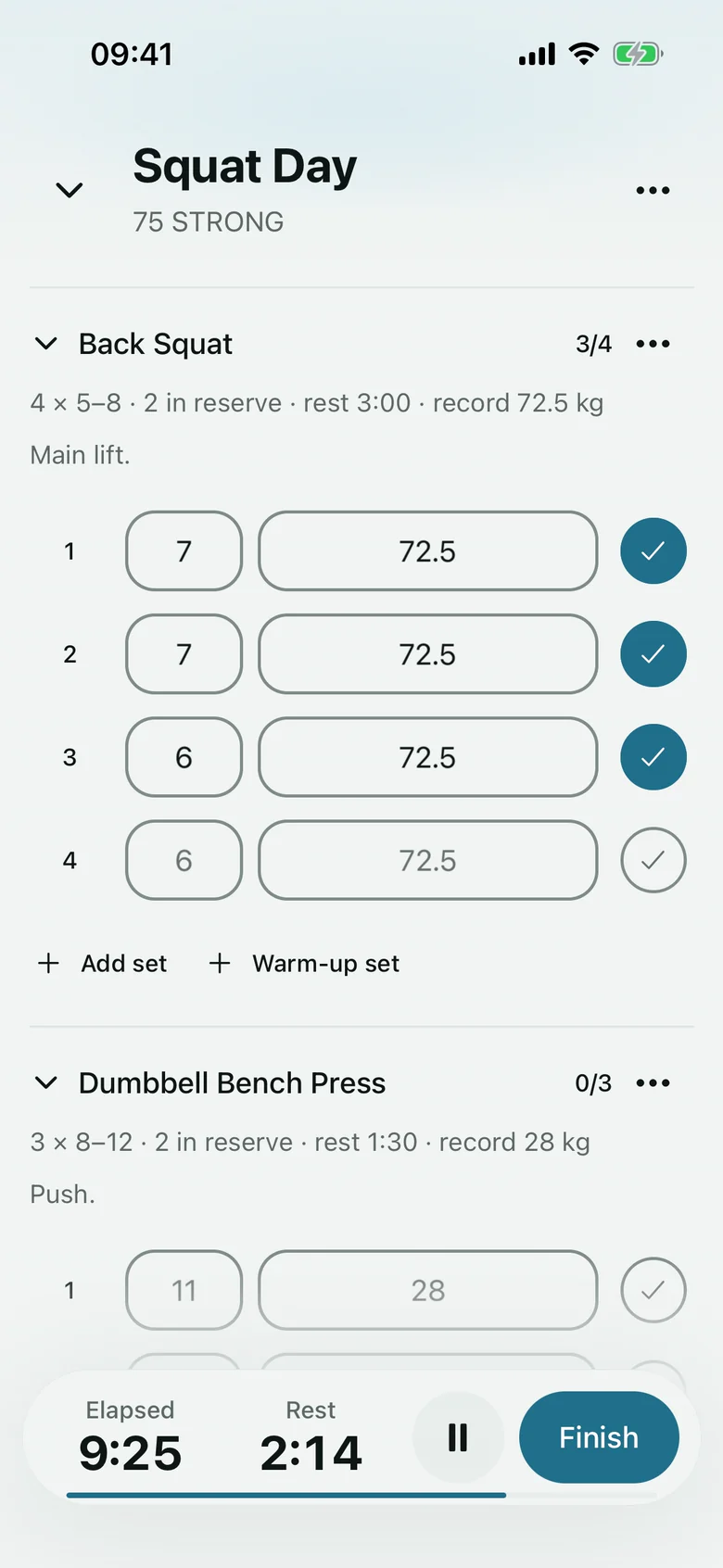
Strengthara is a strength training app and workout planner for iPhone and web. Build your own programs and nutrition plans with Pro, or browse free programs. Log each Session and see your previous sets with Last time. You choose the next weight and reps.
Browse programs first. Create a free account when you choose one.
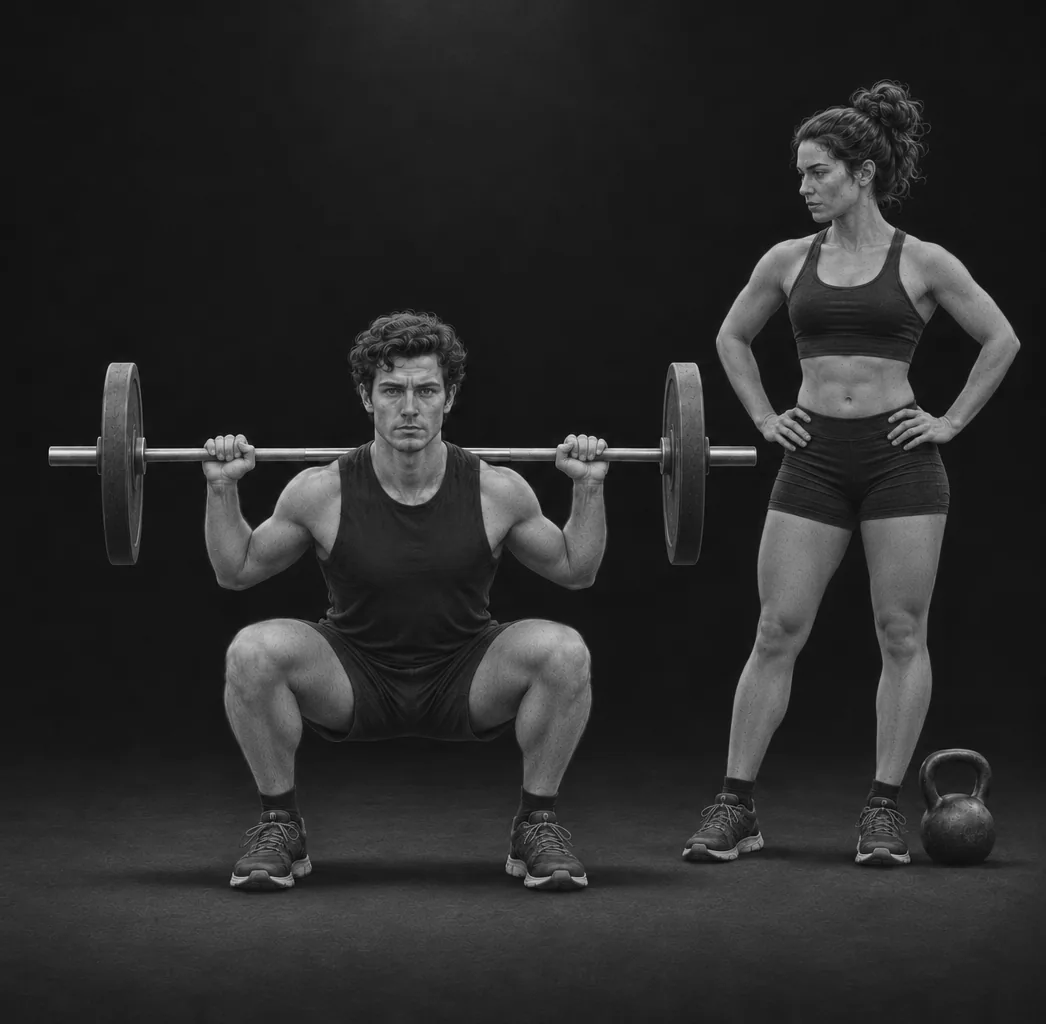
Strengthara is a strength training app and workout planner for iPhone and web, built for lifters who want to choose their own training. Follow a free block template or use Pro to create your own programs, nutrition plans and Blocks. Log sets, reps and weights in a Session, then review your Logbook, records and check-ins. Last time shows your previous performance; you decide what to lift next. There is no Android app or automatic weight or rep prescription.
By Strengthara (Zenta AB) ·
Plan on a bigger screen, take your workout to the gym on iPhone, and keep training, nutrition and check-ins in one place. Free includes the ready-made programs; Pro lets you build your own.
There is no Android app. Strengthara does not automatically suggest weights or reps. You see Last time and your record, and choose your next set yourself.
A Block brings together a program of workouts, a nutrition plan and check-ins. It has no fixed dates or length. Keep several Blocks and make one active when you want to train from it.
See how Blocks, Sessions and check-ins workChoose the free Classic 5×5 block template. Its program includes workouts with five sets of five reps, alongside a nutrition plan and check-ins. Pick a workout, log the sets in a Session, then review your records in the Logbook.
With Pro, build your own Block and edit its program and nutrition plan.
Build your own plan with Pro, or choose one of five free programs, each with a general nutrition plan and your maintenance calories and protein. Keep your training, nutrition and check-ins together in a block.
Log sets, reps and weights in the app. Workouts and check-ins work offline and sync when you reconnect.
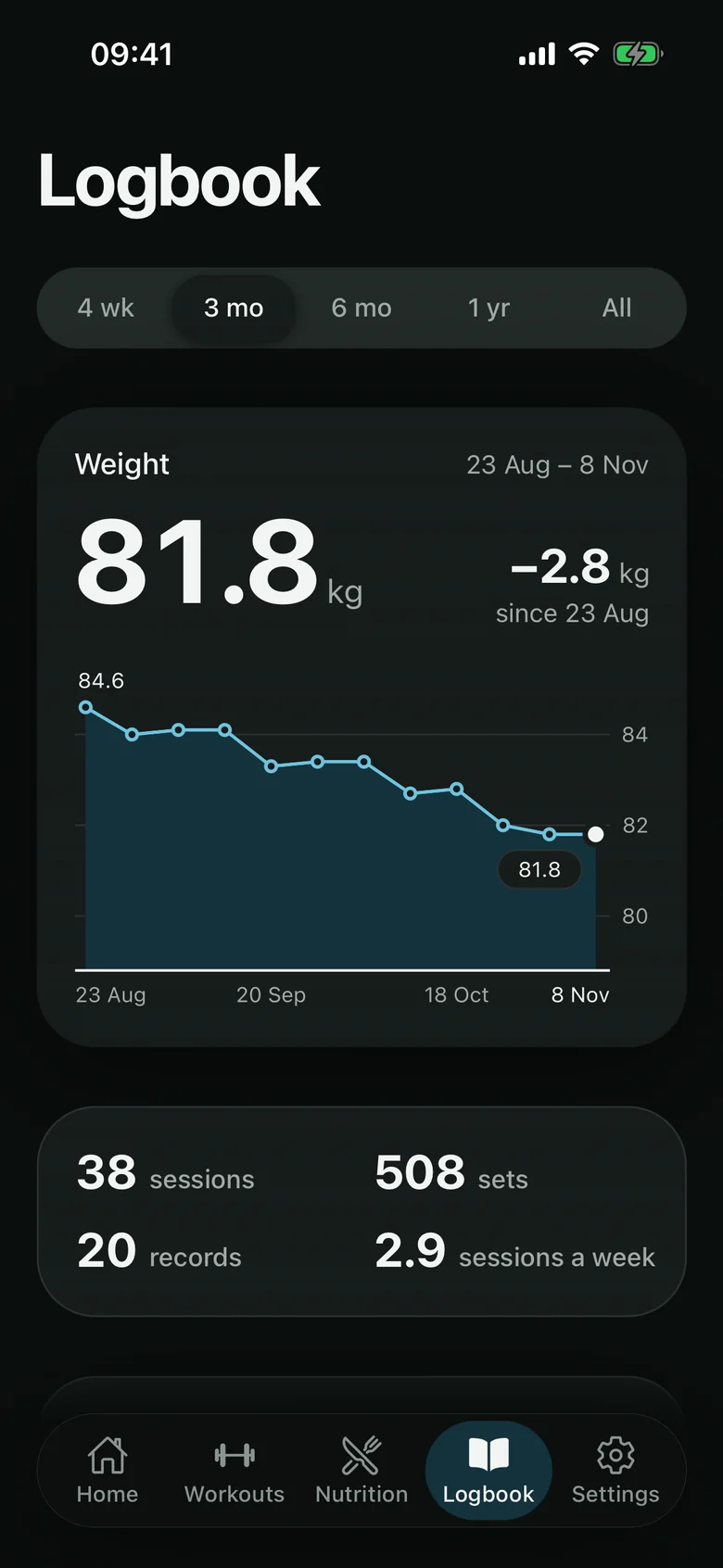
Review your sessions, records and check-ins in the Logbook, with trends over time and your progress photos side by side.
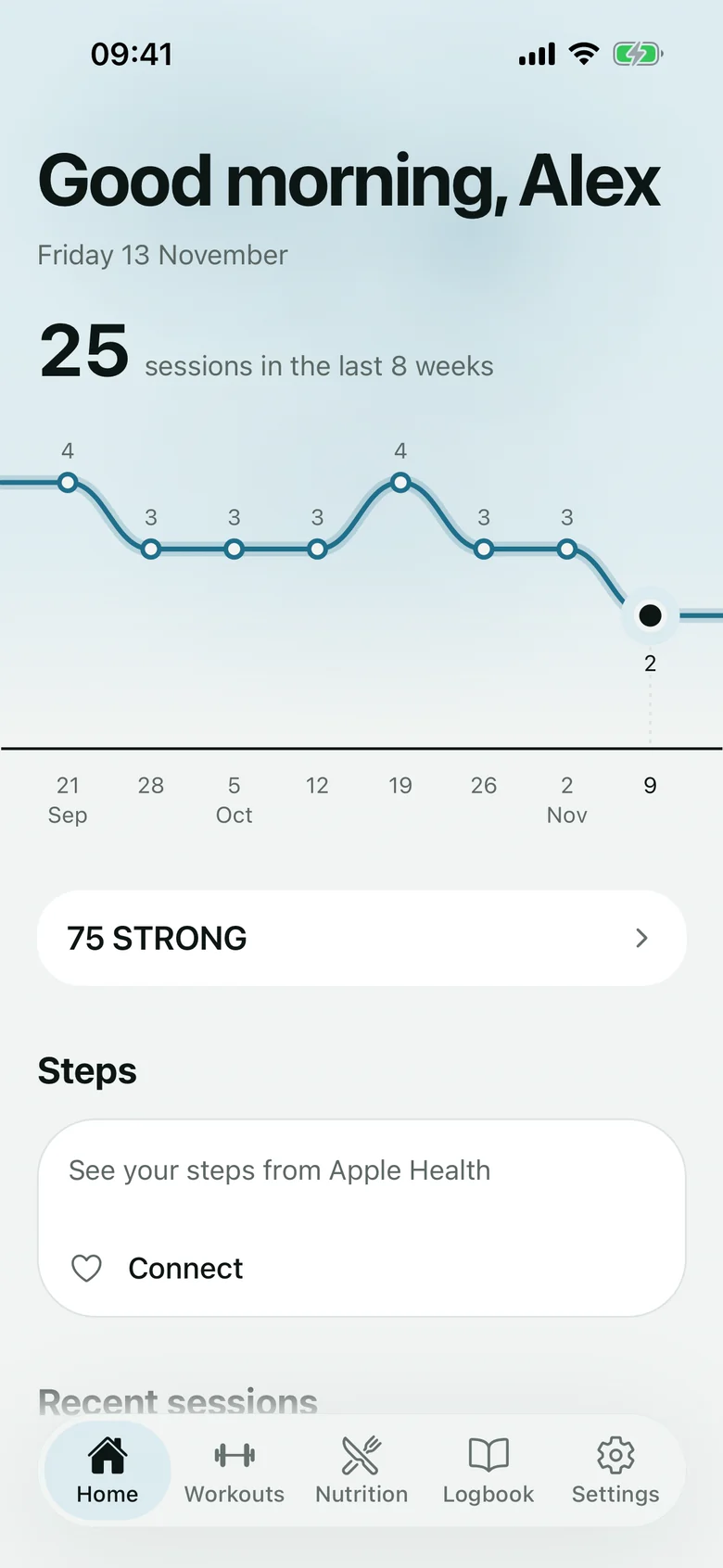
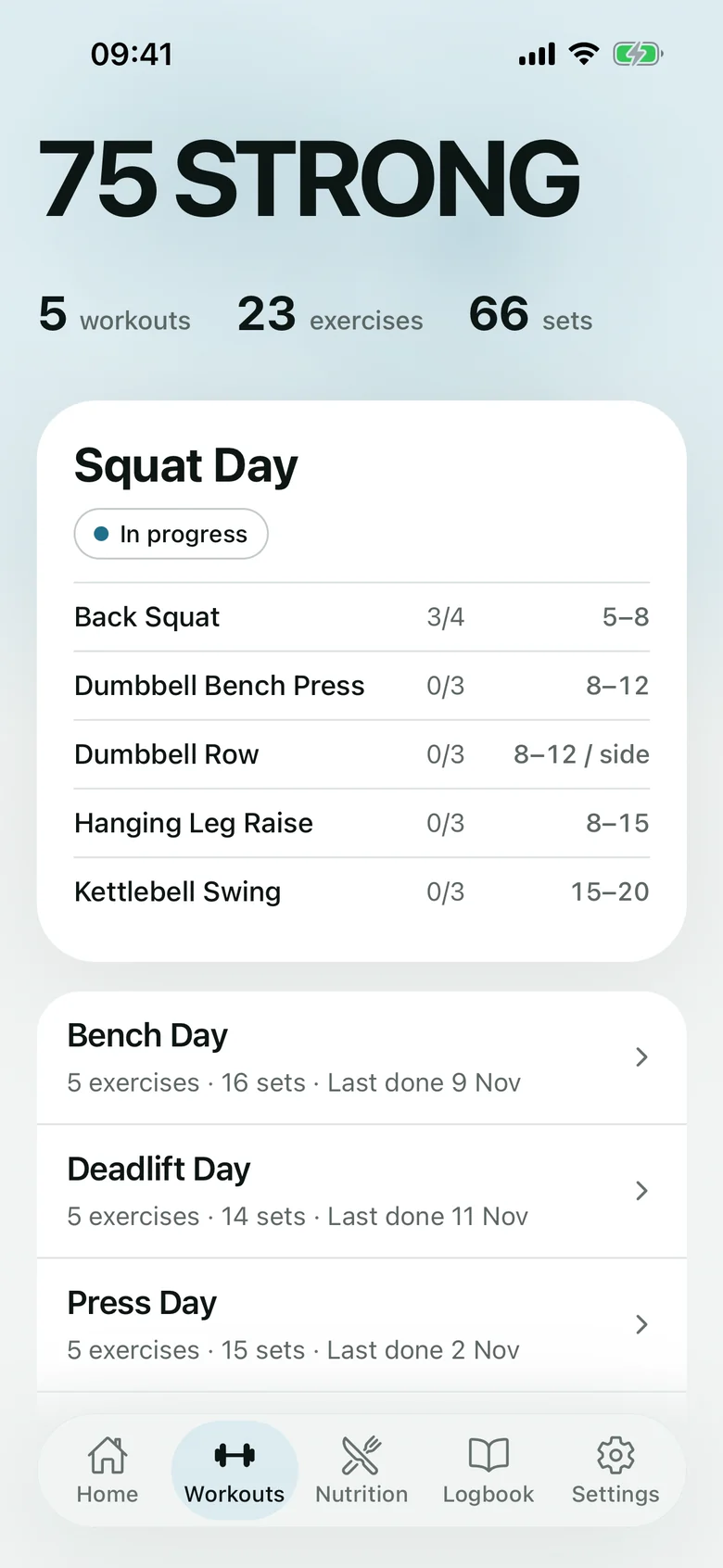
Follow a ready-made program, or with Pro choose your own exercises, sets and reps and arrange them into a program. See your recent sessions on Home.
Each gives you a plan for the weeks ahead, with a general nutrition plan and your maintenance calories and protein.
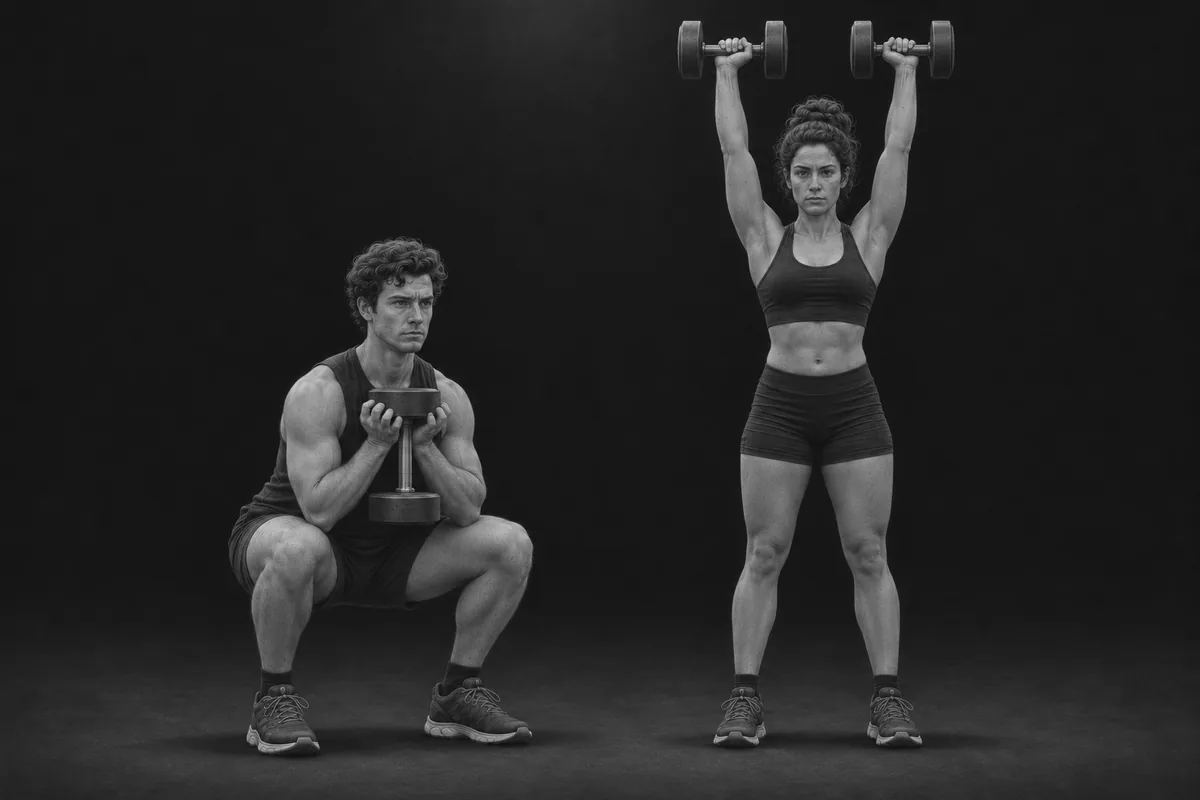
Six movement patterns and three full-body sessions a week. Week one is for learning the lifts.
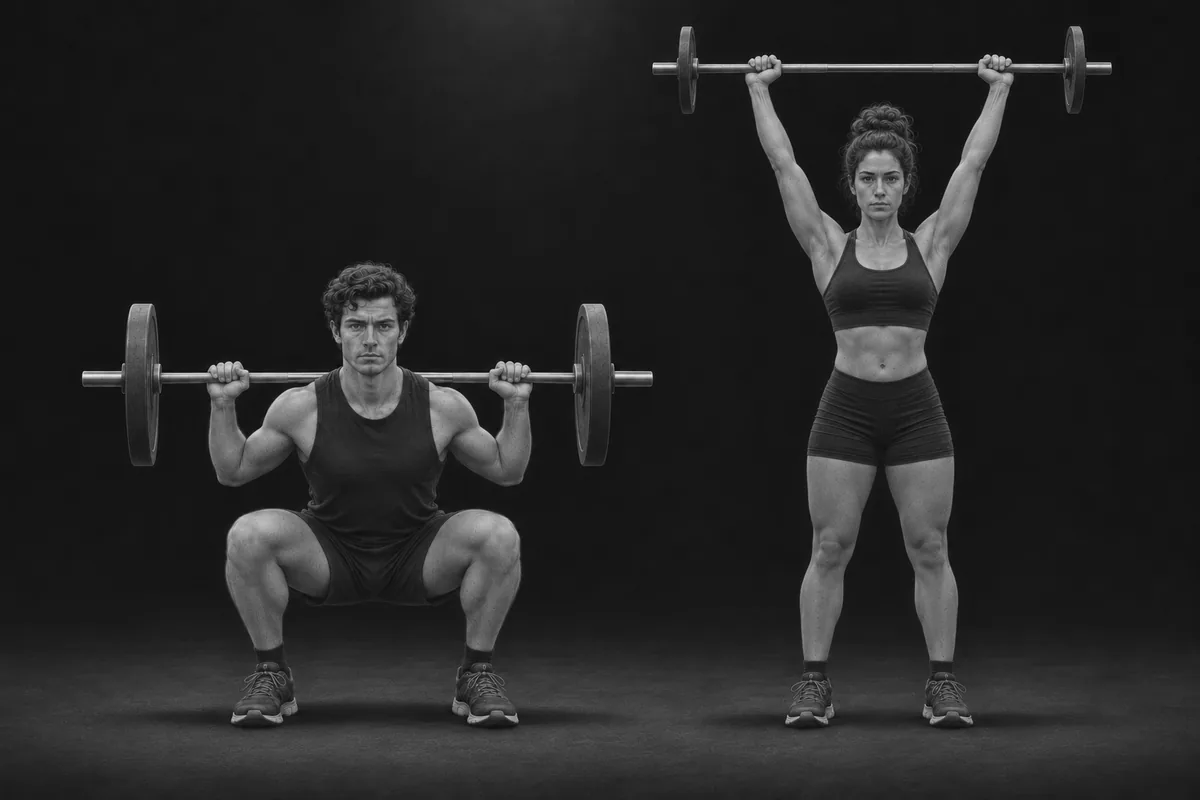
Squat, bench, overhead press, row and deadlift, five sets of five, three days a week. Every set shows what you lifted last time.
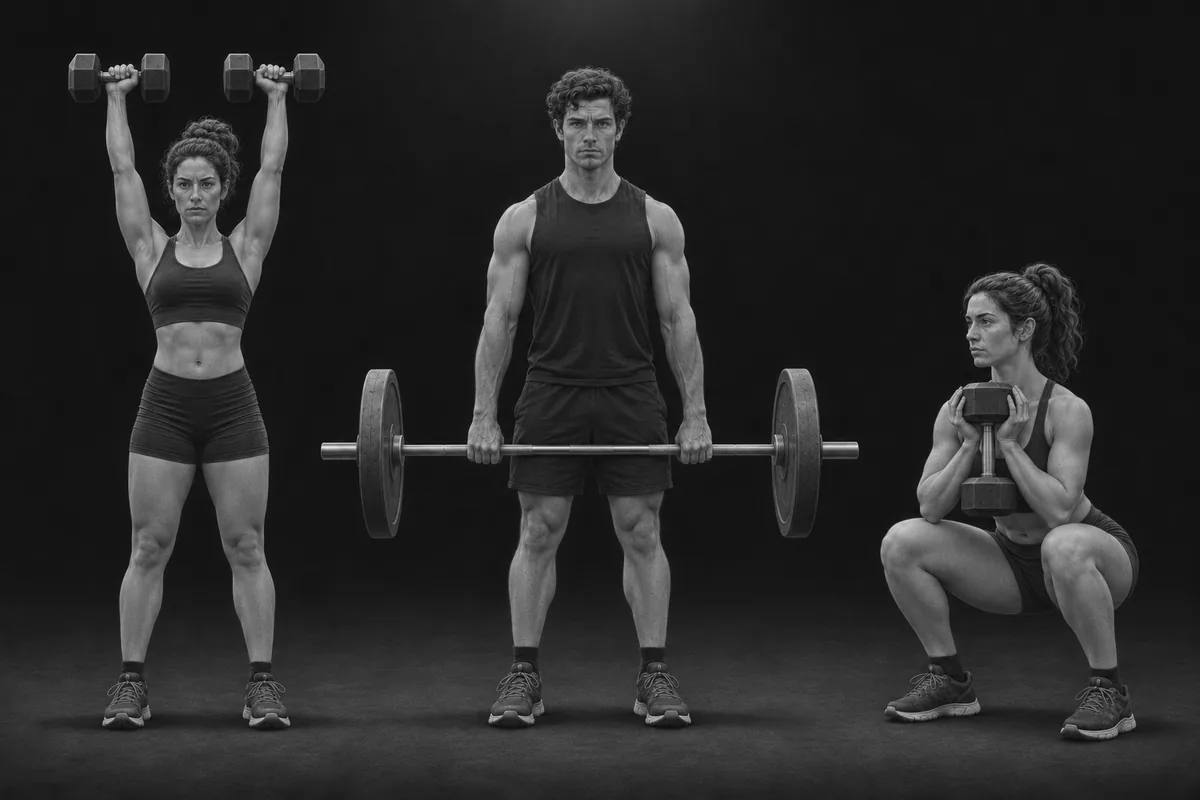
Six rotating sessions that hit every muscle twice a week: one heavy lift, then rep-range work. Train fewer days and pick whichever session you want next.
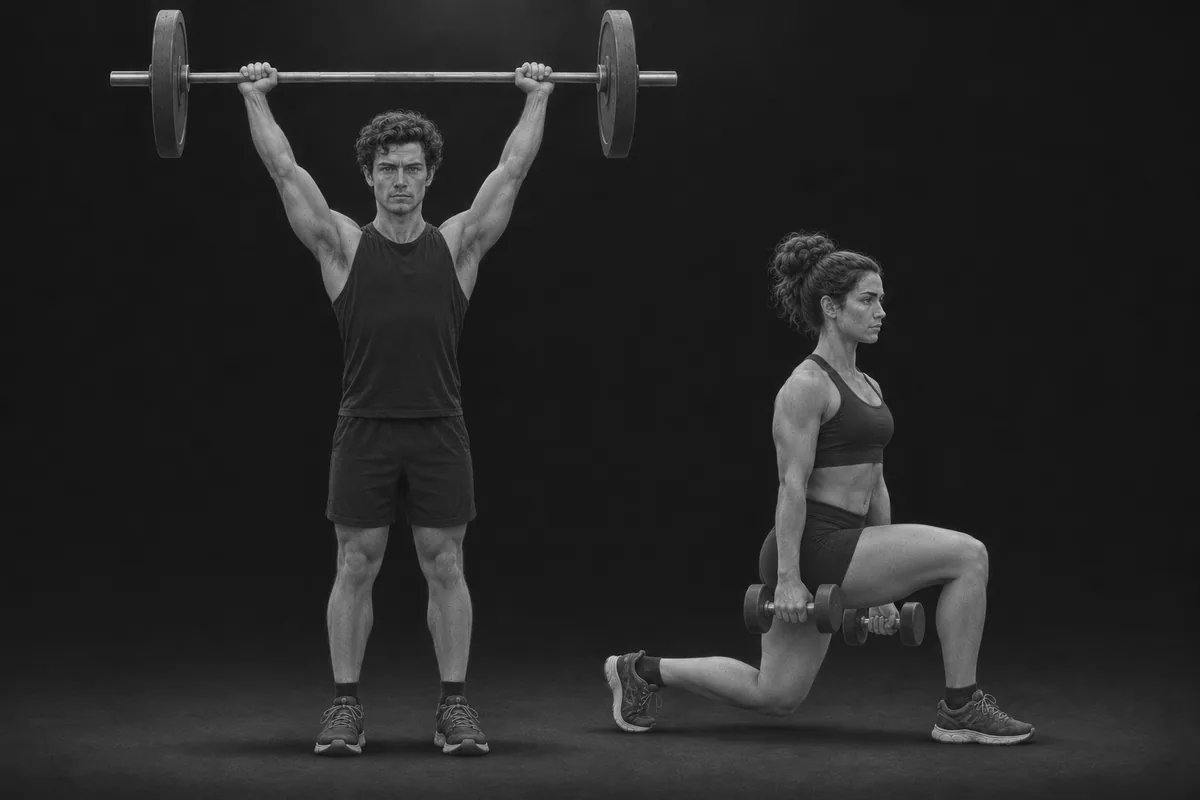
Two heavy days and two volume days a week, split by upper and lower body, with a rep range for every lift.
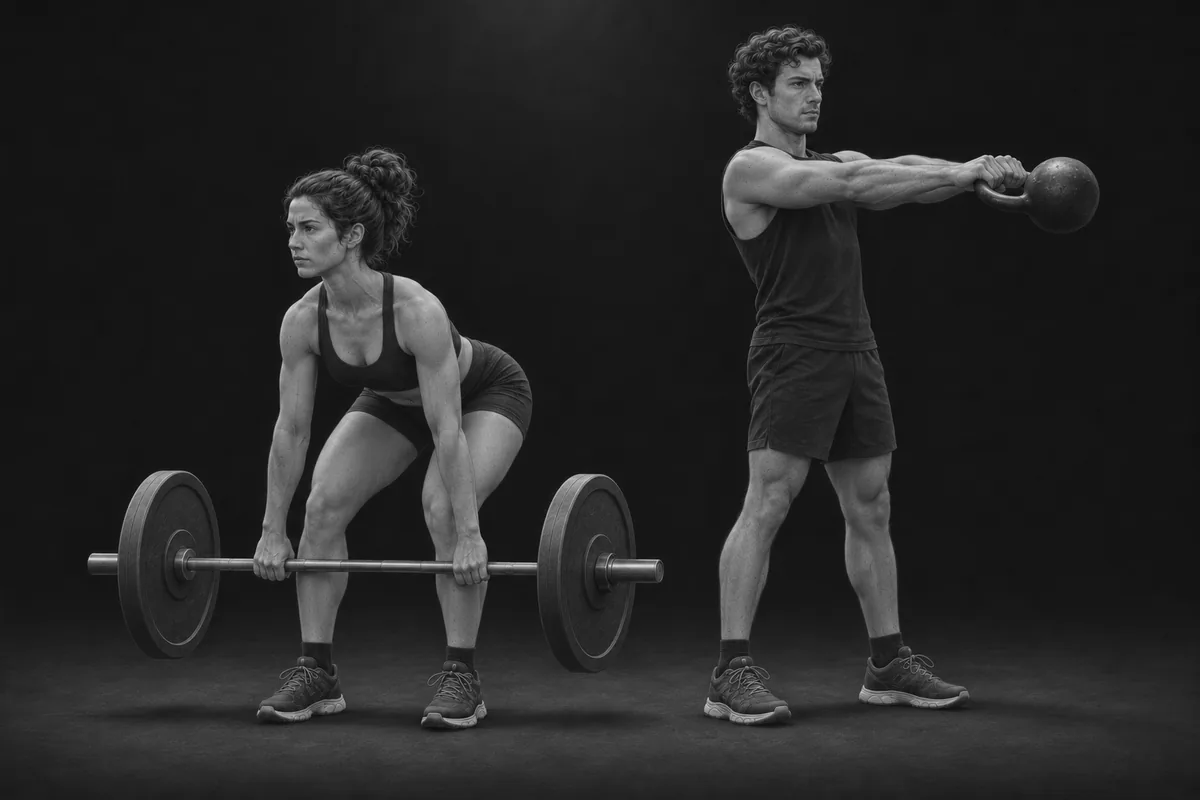
Five training sessions a week and four daily habits: protein, steps, water and sleep.
Pro gives you the tools to create your own programs, nutrition plans and blocks. Free lets you follow a ready-made block, with workout logging and check-ins included.
| Feature | Free | Pro |
|---|---|---|
| Strengthara block templates | Included | Included |
| Workout logging in the app, offline too | Included | Included |
| Your numbers and the general plan | Included | Included |
| Weekly check-in (weight, measurements, photos) | Included | Included |
| Personal records and block history | Included | Included |
| Progress charts and photo comparison | Included | Included |
| Build your own programs | Not included | Included |
| Build your own nutrition plans and recipes | Not included | Included |
| Build your own blocks, and edit a block's program and nutrition plan | Not included | Included |
Loading...
Monthly, annual or lifetime. Every Pro plan includes the same tools.
See pricingNo. You can browse the ready-made blocks first. You create an account when you pick one.
Train and check in with the iPhone app; plan and review in your web browser. There is no Android app.
Yes. Pro lets you build your own workouts and programs, create nutrition plans and bring them together in a custom block.
Yes. Starter blocks include a program, a nutrition plan, your maintenance calories and protein, check-ins, records, trend charts and photo comparison at no cost. Pro adds your own programs, nutrition plans and blocks.
Yes. You can manage or cancel your subscription in Settings.
Yes. The iPhone app logs workouts and check-ins offline and syncs automatically when you are back online.
Strengthara is fully available in English and Swedish.
Create your own with Pro, or begin with a free program. Keep your training, nutrition and progress together.